
Porting IntuiNote to Flutter


Context
FlutterInk 2 is a 2025-2026 project that continues the project of the same name from 2024-2025. It is carried out by students from INSA Rennes as part of their 4th-year project.
IntuiNote
IntuiNote is a digital solution designed for higher education, facilitating real-time learning through
various interactive tools. It allows teachers to display visual materials, add handwritten
annotations, and integrate dynamic interactions such as enriched quizzes or collaborative spaces.
Developed at INSA Rennes in 2016, it has evolved through several research projects conducted in partnership with
the SHADoc team at the IRISA laboratory. Its flexible architecture allows it to adapt to current and
future equipment while meeting the needs of hybrid environments that combine on-site and remote teaching.
Thanks to a system based on network exchanges between teachers and students, accessible from different types
of devices, IntuiNote forms a smooth and integrated educational ecosystem, optimizing learner engagement and
participation.
IntuiNote Features
IntuiNote allows teachers and students to interact easily during class. Teachers can share their annotations on slides with all students, and can also share different types of quizzes and exercises to ensure they have understood the lesson.
Single-Choice and Multiple-Choice Quizzes
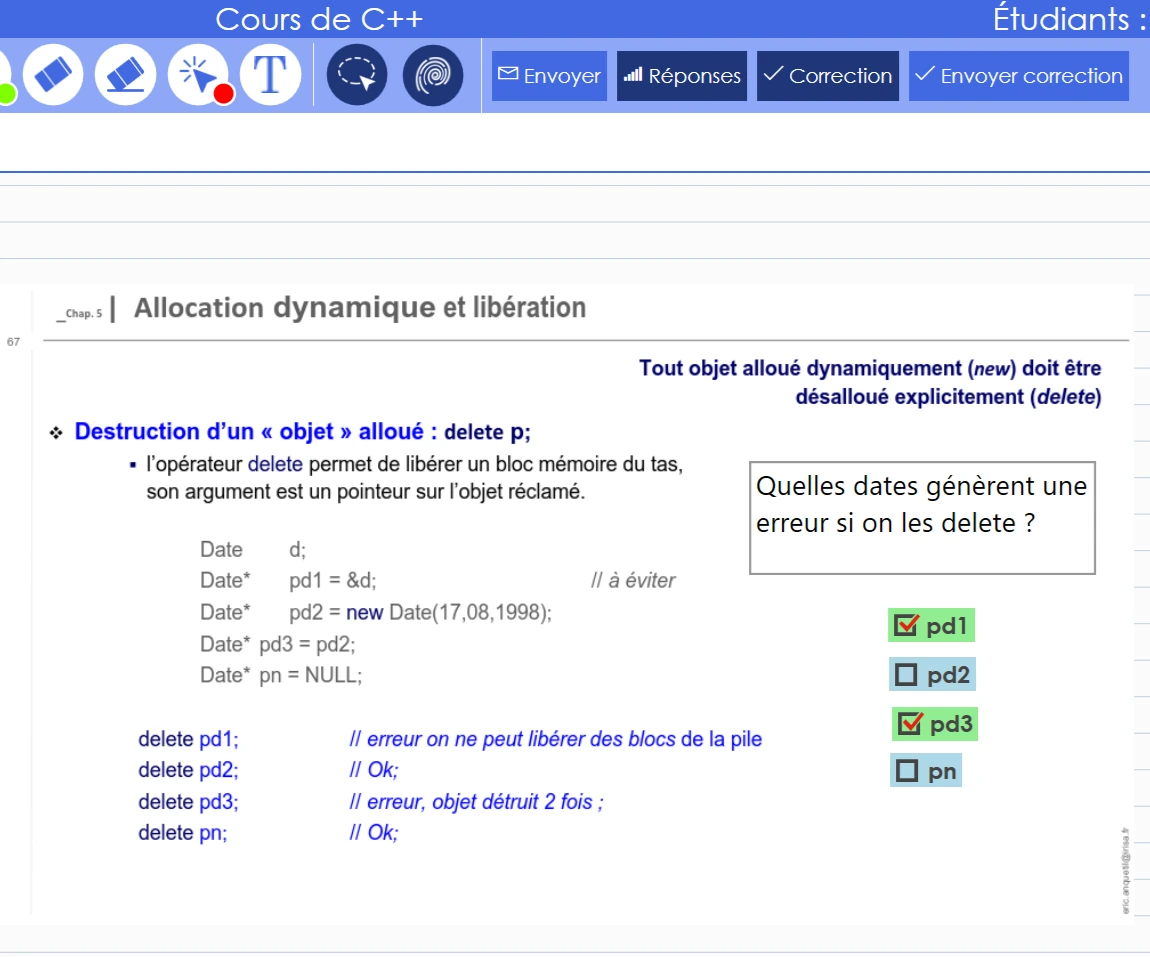
SCQ and MCQ quizzes allow the teacher to ask students a question that they can answer with one or several options. On the quiz slide, the teacher can write the question and has access to specific tools to create checkboxes or provide corrections.
Graphical Quiz
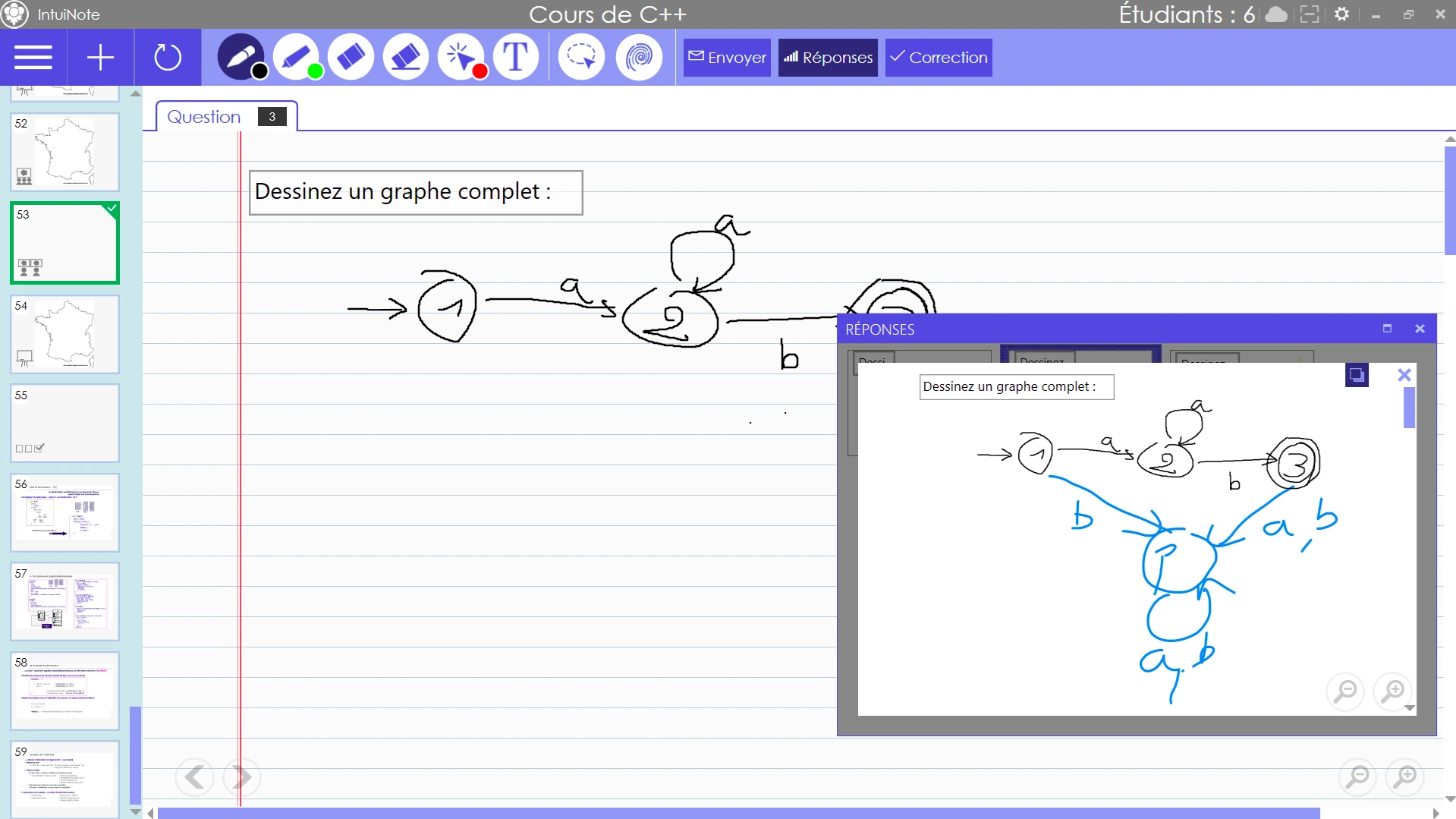
In a graphical quiz, the teacher asks students to answer with a handwritten response. Once the quiz is over, the teacher receives all student responses as PDFs in a dedicated tab. They can enlarge each response and annotate it. It can be used in many situations: math equations, diagrams, graphs, etc.
Heatmaps
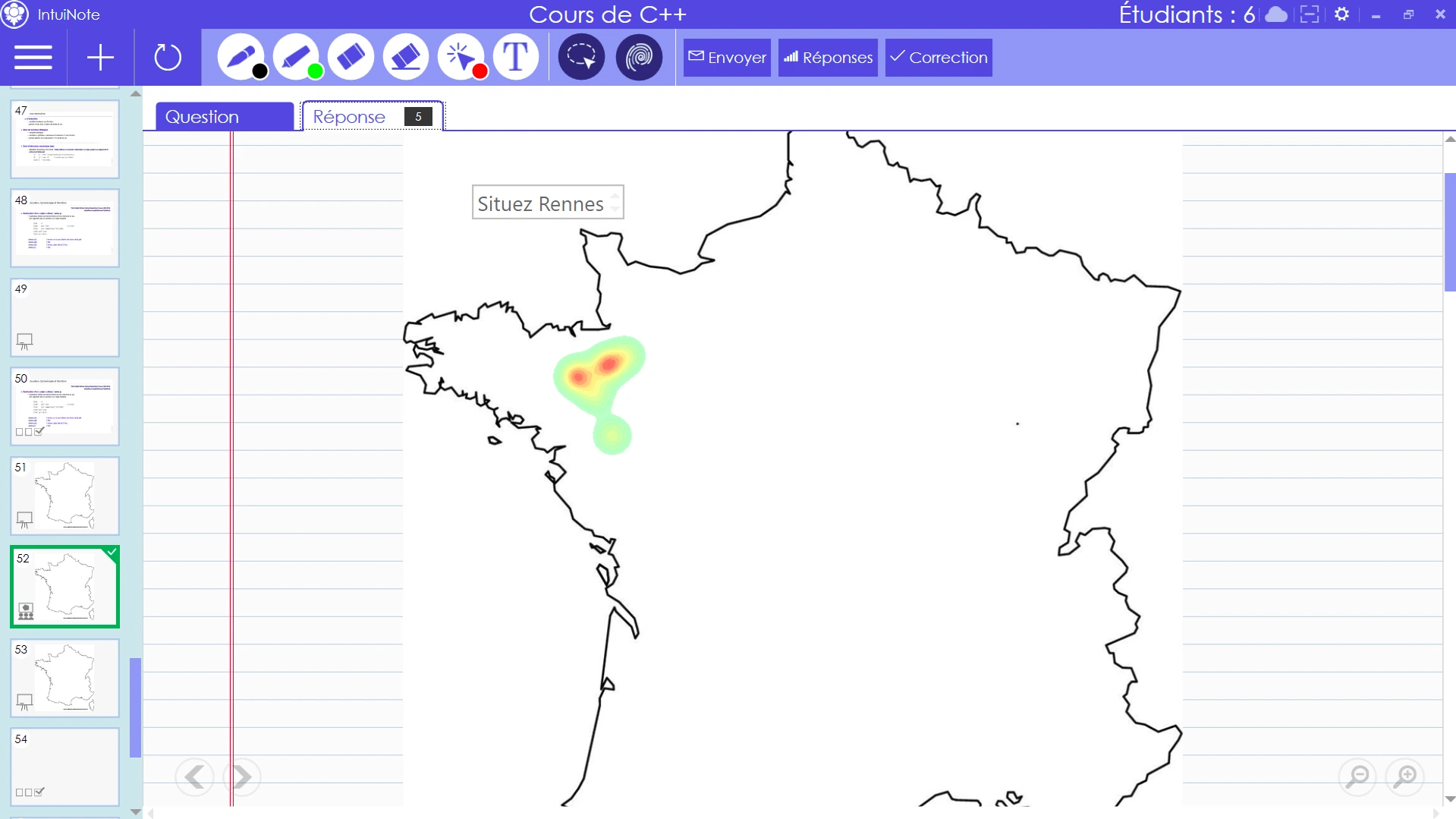
With heatmap-type quizzes, the teacher can ask students a question that requires a drawn response. Once the quiz is over, they can display the heatmap of submitted answers. For example, if they ask for the location of a city on a map of France, the reddest area shows where the most students answered.
Whiteboard
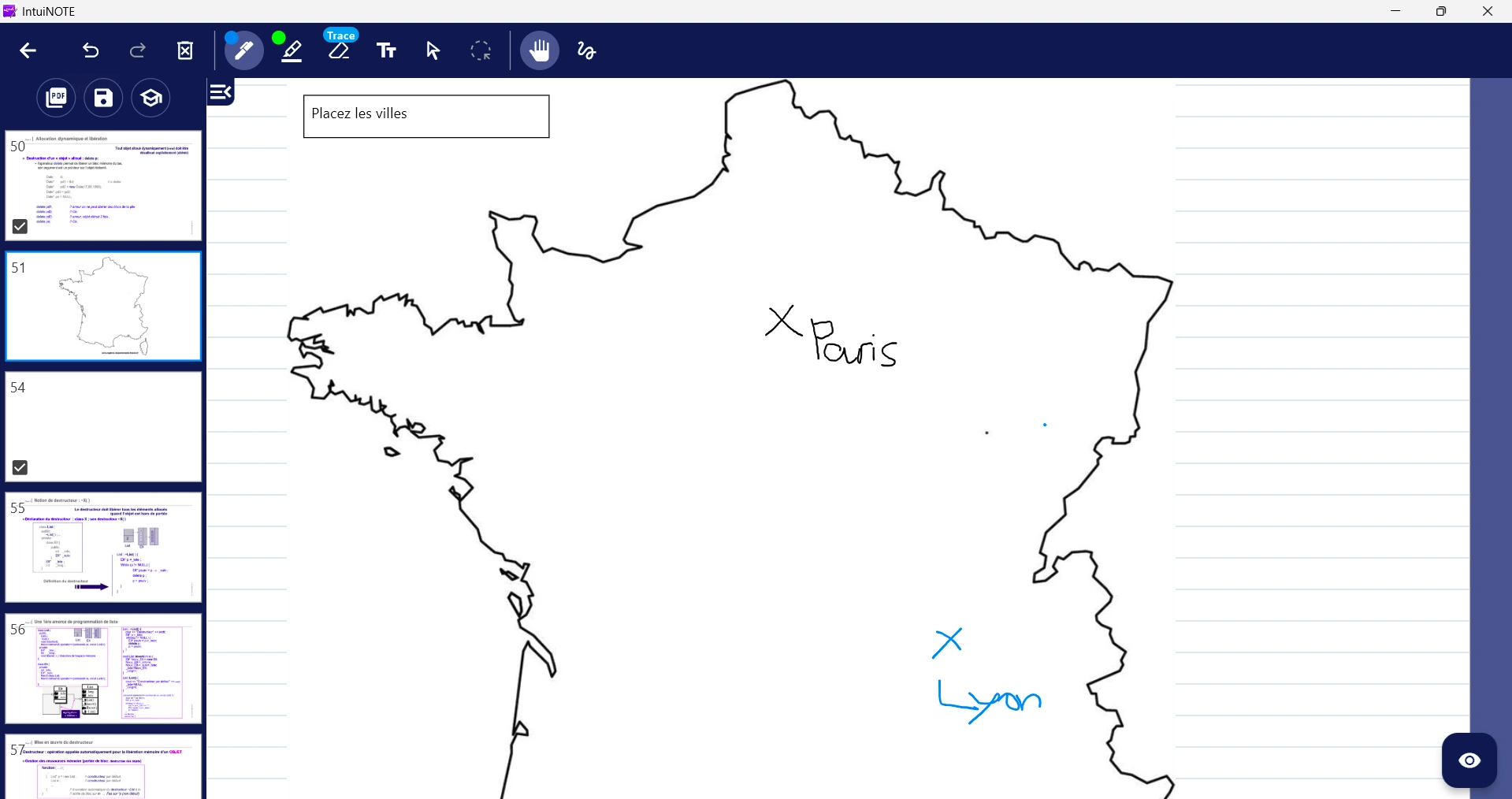
Whiteboards allow students and teachers to interact on the same slide. Since they write on the same layer, everyone can see what is being written in real time and edit each other's notes. The teacher can also restrict writing access to selected participants, making it possible to question one student and let everyone see their response live.
2026 Project
The FlutterInk project began last year with the goal of porting IntuiNote to Flutter. In the end, only the student side could be ported due to lack of time. This year, our project is therefore to finish porting the teacher side and to add new features. Here is what we are working on:
Porting the Teacher Version
Porting the teacher version is the main goal of the FlutterInk 2026 project. Unlike the student version, already partially completed the previous year, this part requires the adaptation of many complex features specific to the teacher interface.
A key project decision was to develop a single application combining both student and teacher use cases, rather than maintaining two separate apps. This approach simplifies maintenance, ensures functional consistency between both profiles, and facilitates deployment on the various platforms supported by Flutter.
This choice, however, requires the implementation of a robust authentication and role-management system. Access-control mechanisms were developed to ensure that a user authenticated as a student cannot access teacher-only features such as quiz creation, content broadcasting, or classroom interaction management.
The goal of the port is to faithfully reproduce existing IntuiNote tools while taking advantage of Flutter's strengths, particularly in terms of portability (mobile, tablet, web) and interaction smoothness. This implies significant work on user-interface redesign and real-time state management.
Ported elements include slide management, handwritten annotation tools, quiz creation and management (MCQ, SCQ, graphical), as well as live broadcasting features to students. Particular attention is given to network data synchronization to ensure a smooth and consistent experience for all users.
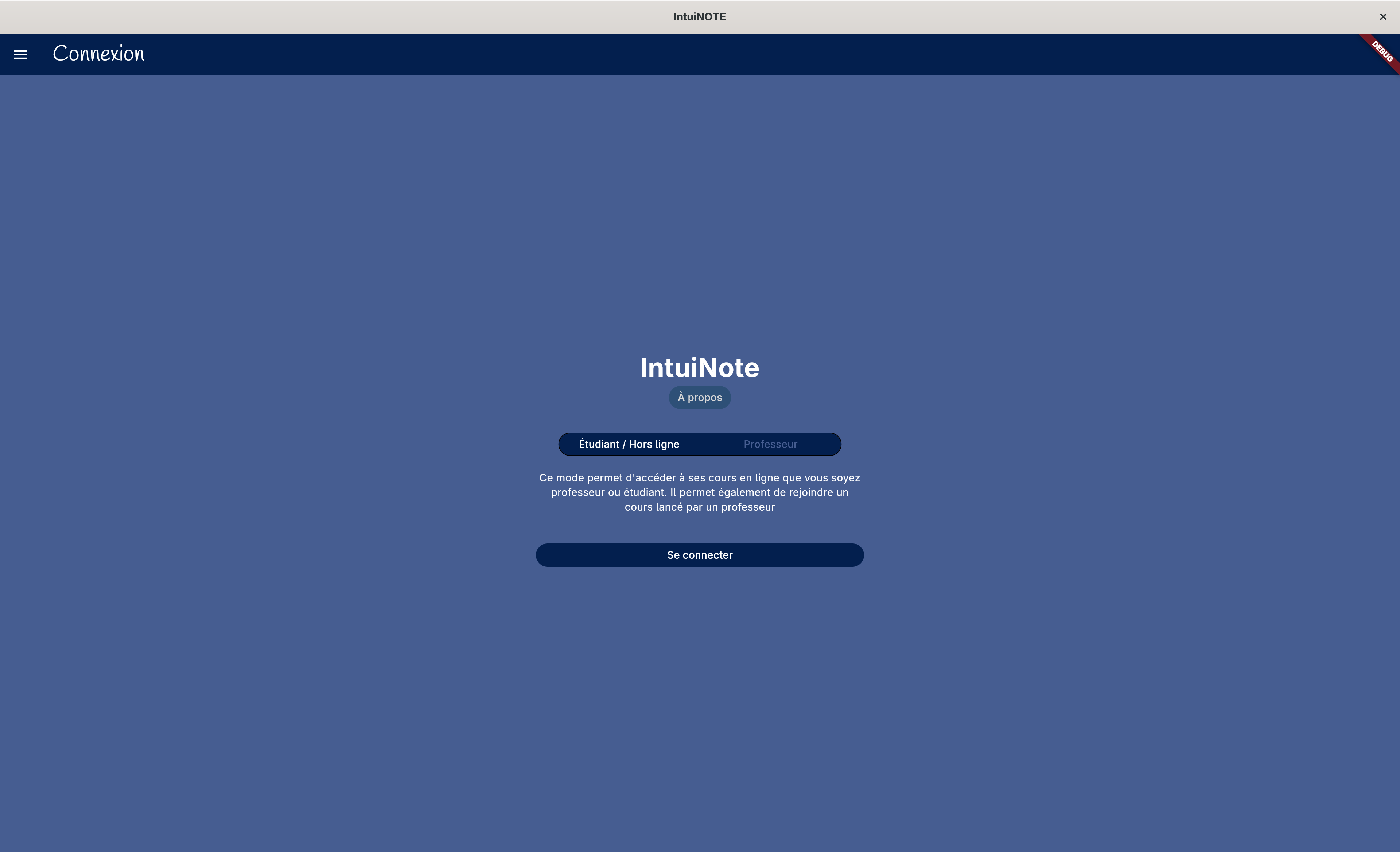
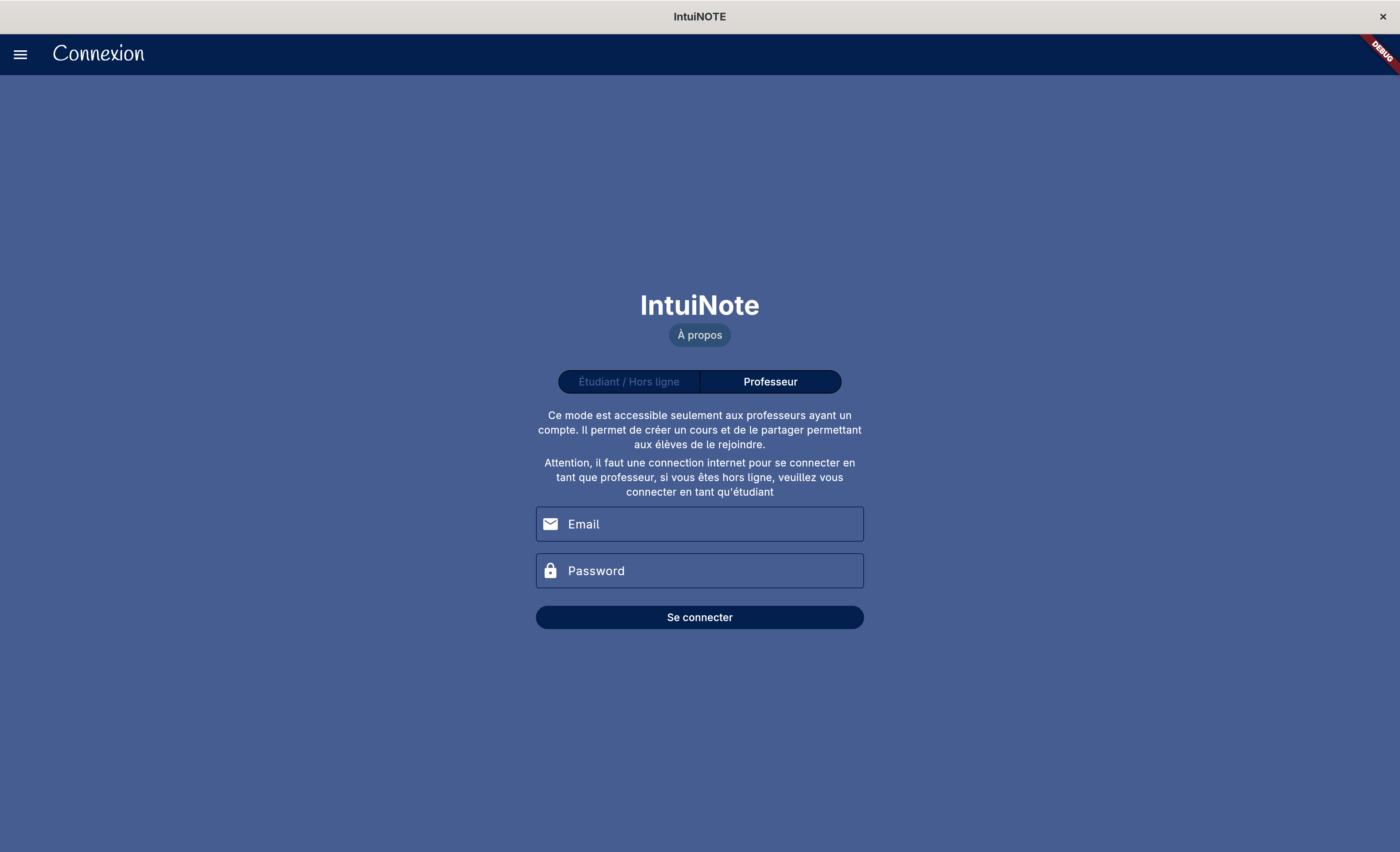
This port is also an opportunity to improve the application's overall ergonomics by offering a more modern and intuitive interface suited to different devices. Finally, the project's architecture is being redesigned to facilitate maintenance and long-term feature additions.
Camera
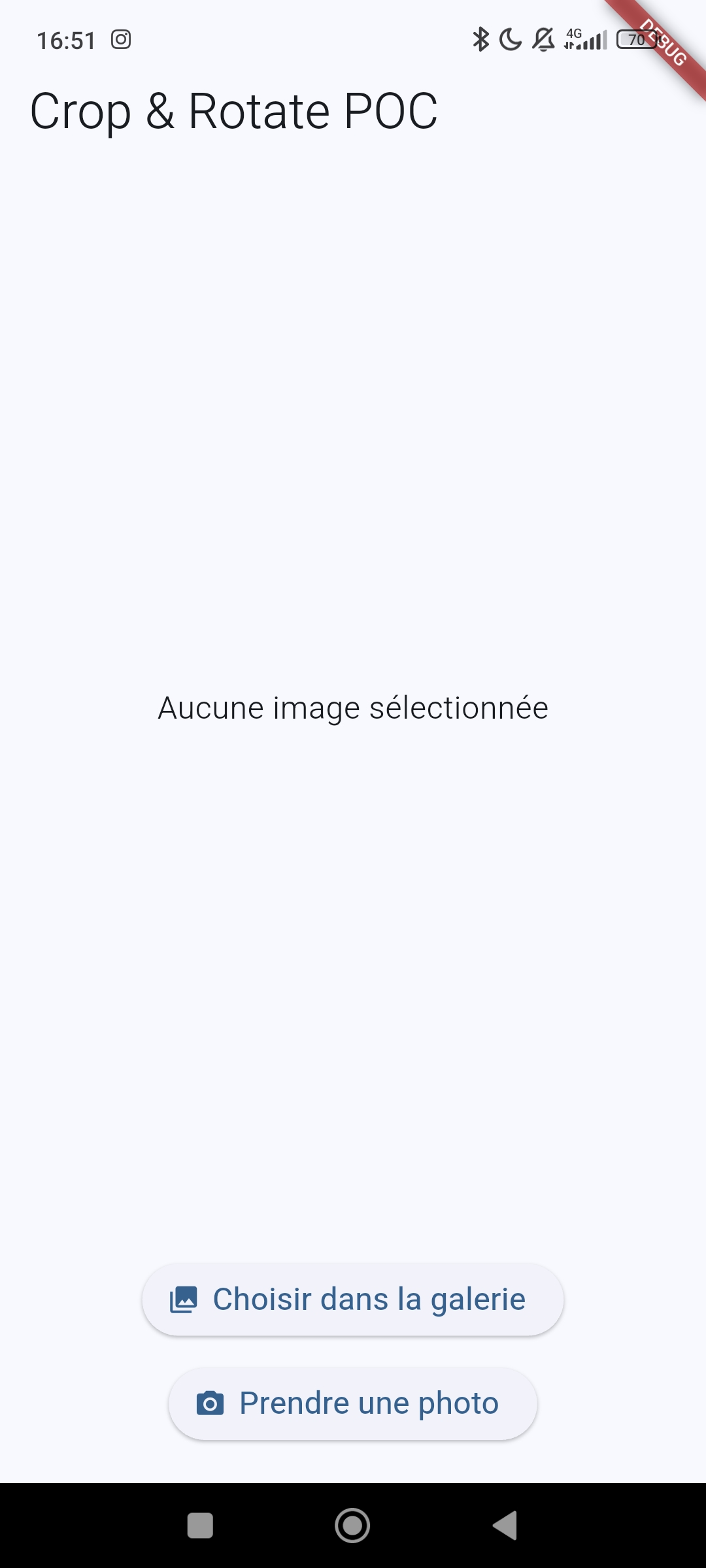
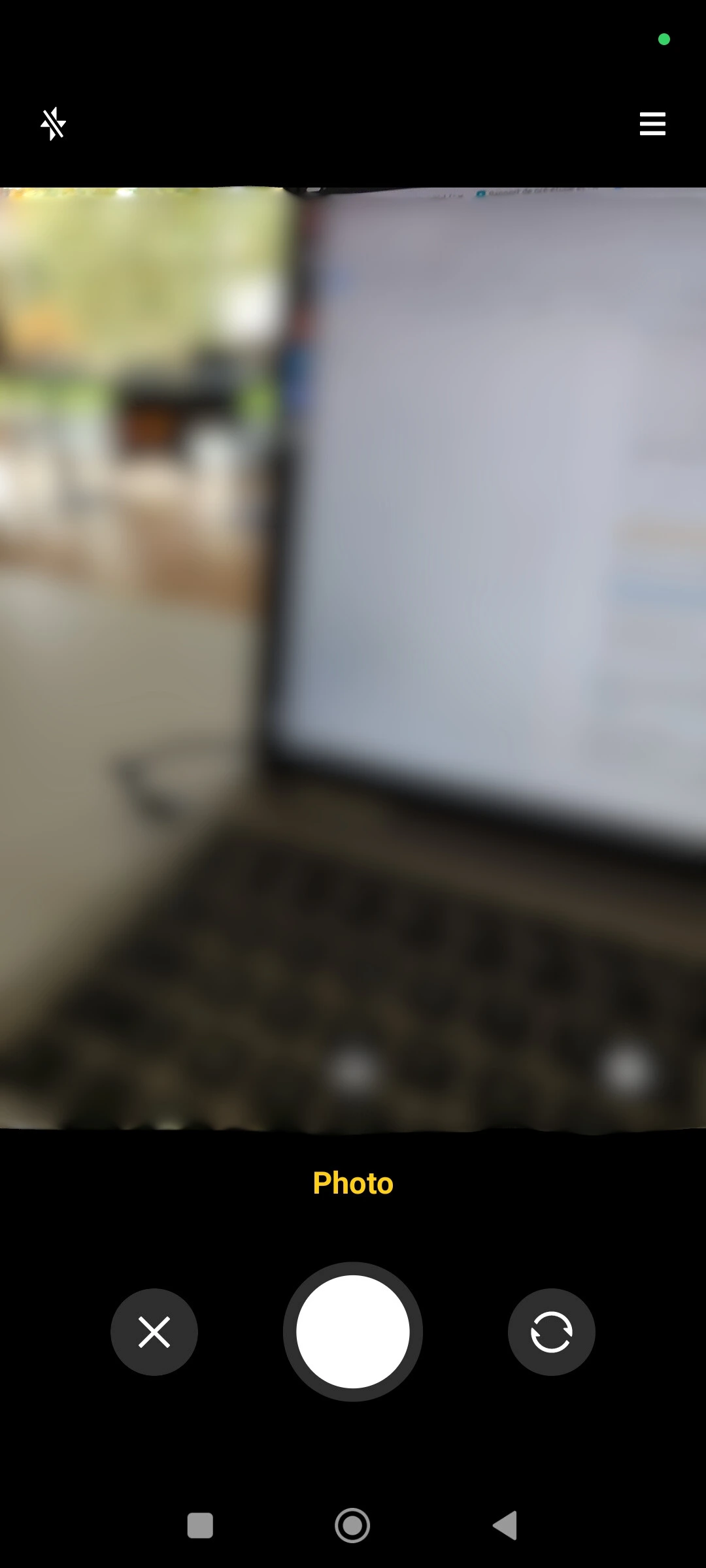
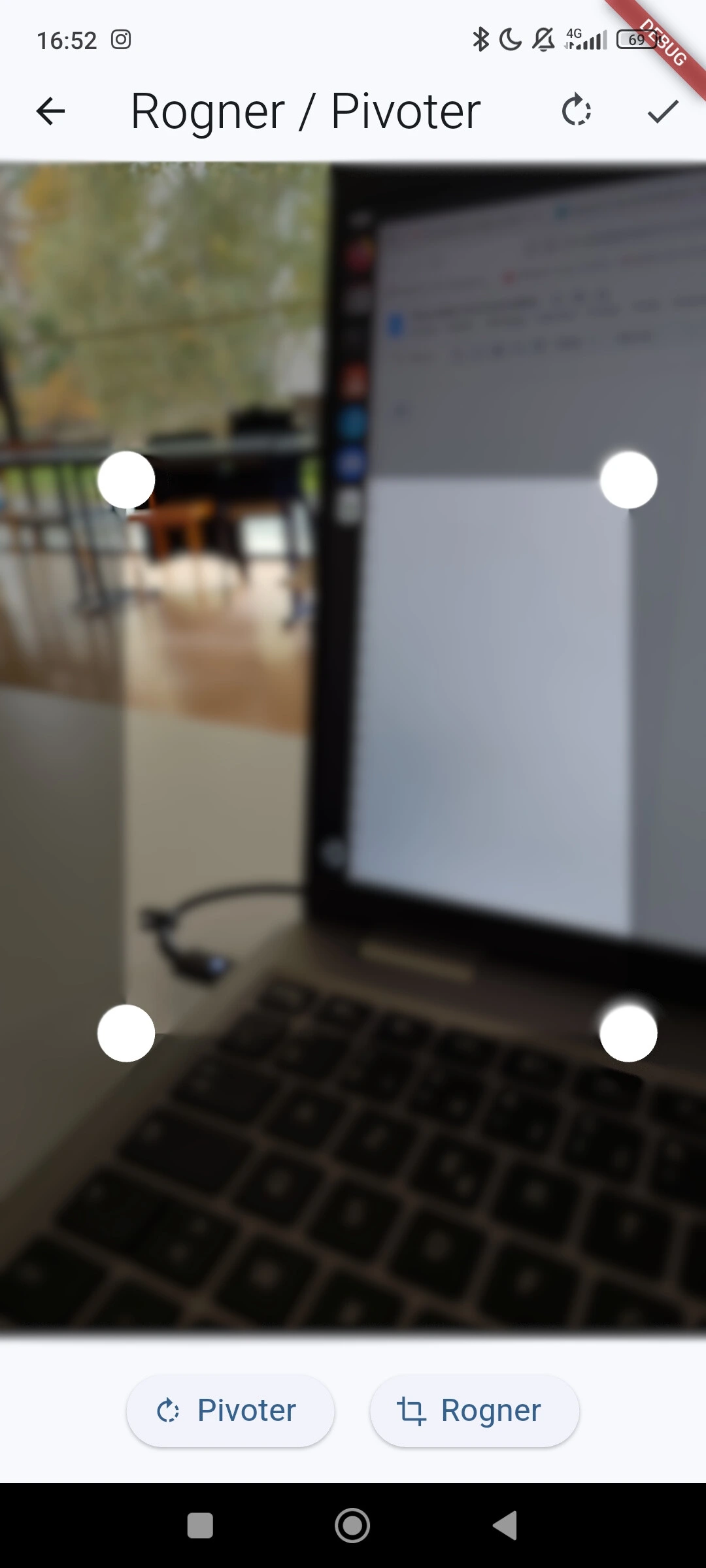
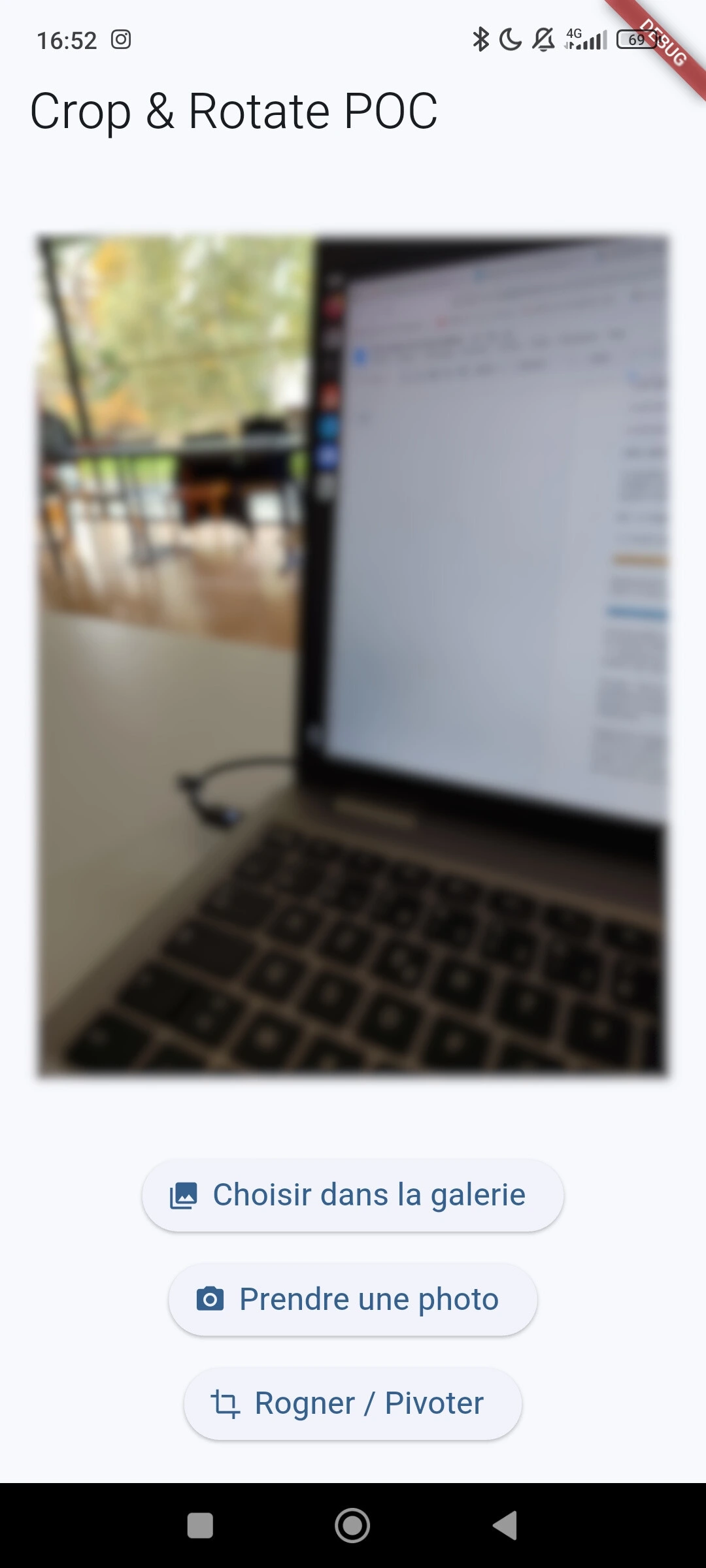
IntuiNote is intended to be usable on any device. However, taking notes on a mobile phone alone can be cumbersome compared to a computer or tablet. Therefore, we decided to implement a feature that allows users to take photos and/or choose images from their gallery, then insert them as notes on a slide. This will enable everyone to take notes and also respond to graphical quizzes more easily.
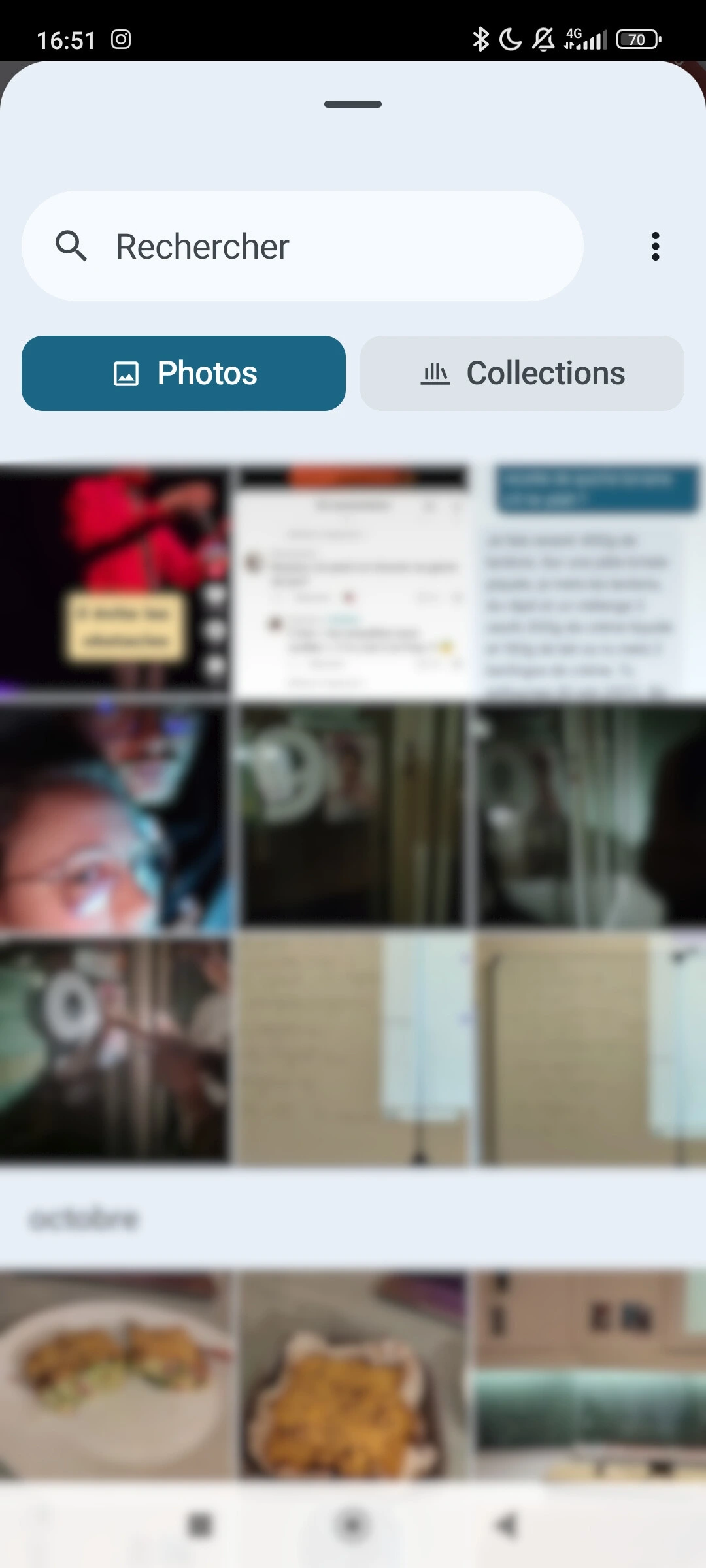
This feature will be accessible from the toolbar. A preview of the ergonomics is shown in the images below. In order:
- Camera tool menu;
- Gallery selection;
- Taking a photo;
- Cropping menu;
- Menu with selected photo.
Word Cloud
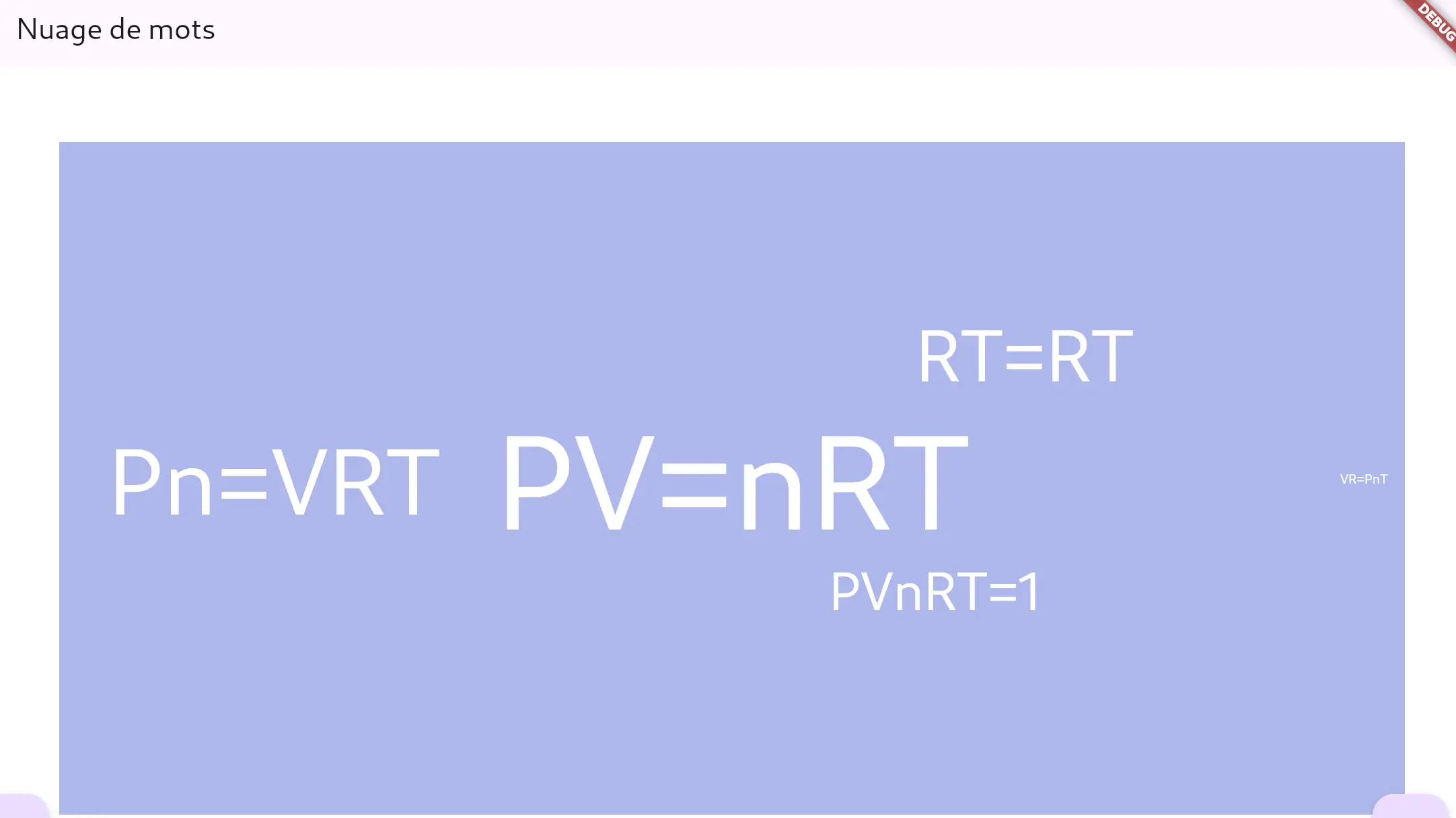
IntuiNote will offer teachers the possibility to visualize student responses in several different formats. Choosing a word cloud is particularly relevant for seeing which responses appear most often.
This feature will also be accessible from the toolbar. A preview of the result is shown in the image below. For example, if the question is, "What is the ideal gas law?", responses could look like this.
Export Notes to PDF
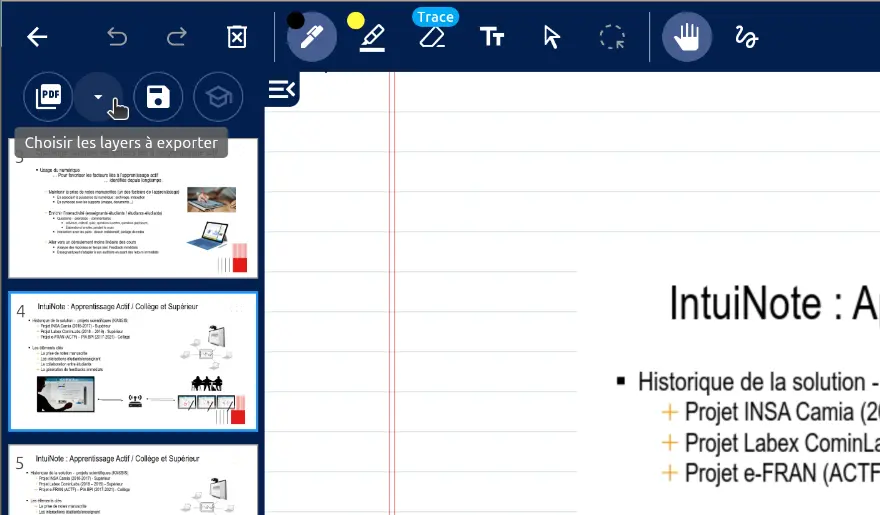
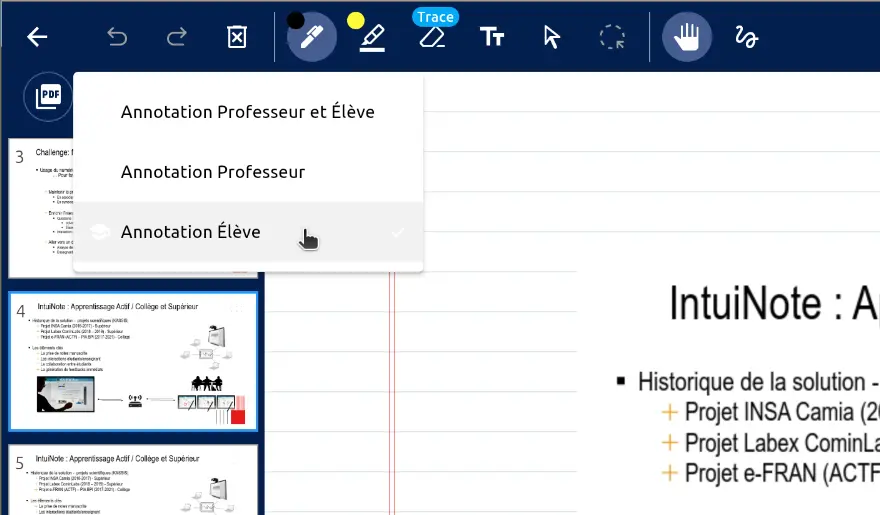
Exporting lessons to PDF allows students and teachers to view their materials with or without IntuiNote. This feature is not intended to replace existing annotation tools, but rather to provide access to annotated slides in a standard format compatible with most PDF readers. This way, notes can be viewed at any time on any device. Users can also choose which "layers" to export: their own notes or the teacher's notes.
Server Administration Panel
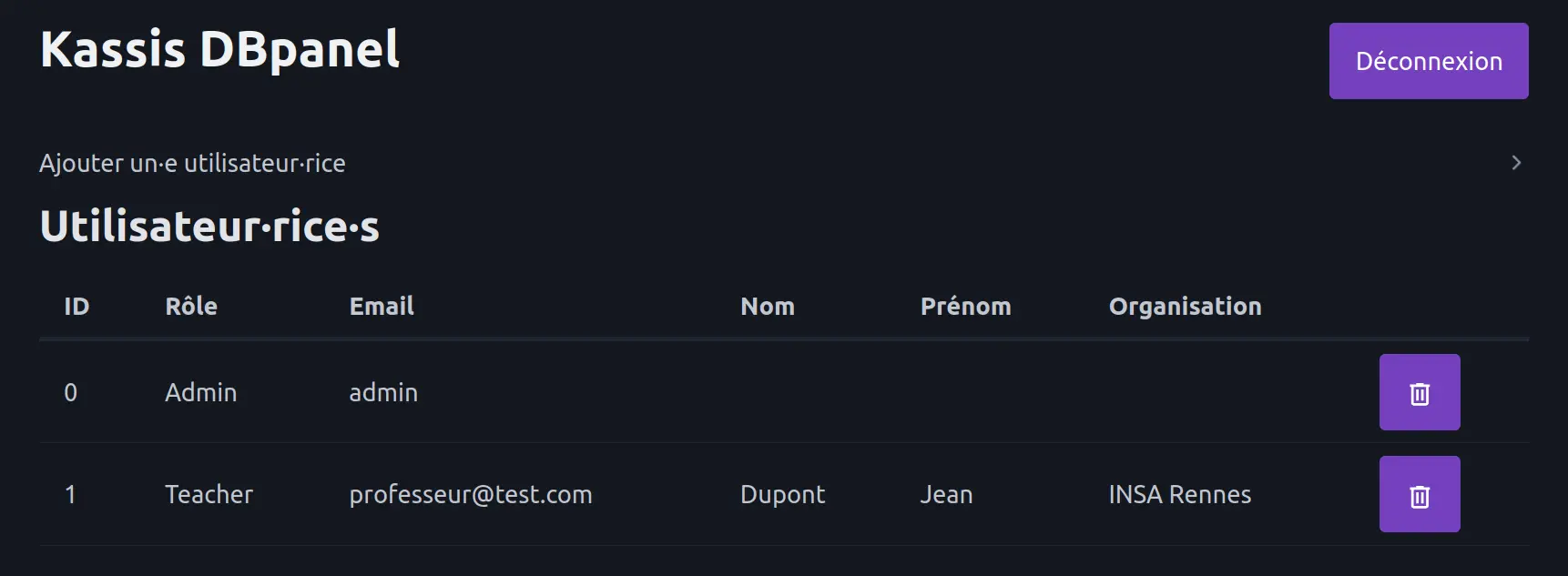
The server contains a MongoDB database that stores teacher accounts. Currently, accounts are created at server startup from a test dataset. But there is no easy way to create or delete them without connecting directly to the database in a terminal.
We therefore added a server administration panel, accessible through a web interface, to manage teacher accounts easily.
Technologies Used
The FlutterInk project relies on a set of modern technologies that ensure performance, portability, and maintainability.
The application is developed in Flutter, Google's open-source framework based on the Dart language. This choice makes it possible to target multiple platforms (Android, iOS, Web) from a single codebase while delivering a smooth and responsive interface.
Communication between client and server is based on real-time network exchanges, making it possible to synchronize teacher and student actions (annotations, quizzes, interactions). This guarantees an instant collaborative classroom experience.
On the server side, a Node.js-based architecture is used, with a MongoDB database to store information related to users, sessions, and educational content. This choice provides great flexibility in data management and good scalability.
Finally, authentication and role-management mechanisms have been implemented to secure access to features according to the user profile (student or teacher).
Supervisors

Éric Anquetil

Bruno Hortollary
Team

Emie Arlin

Jeanne Bisson

Augustin Bouyer

Maëlys Devaud

Samuel Gontard

Justin Mercier

Hector Vernet